
Check what each number actually measures
Start with the label beside the number. Solar generation, household consumption, battery charging and grid exports are different measurements. A generation app can show a productive day while the electricity account shows little exported energy, because the household or battery used the production first. Comparing those figures as though they should match can make an ordinary operating pattern look like missing electricity.
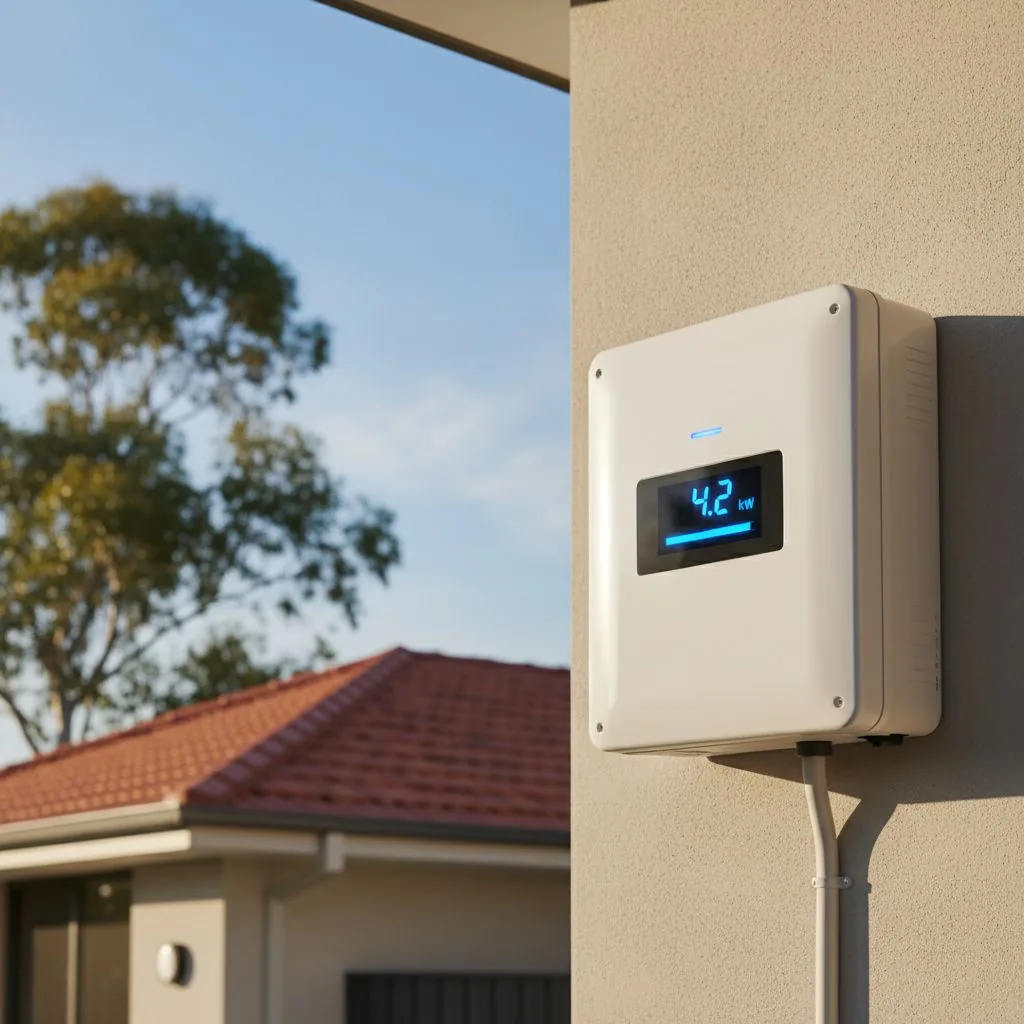
Also distinguish power from energy. A live power display describes a rate at that moment; a daily energy total accumulates use or production across time. Do not compare a midday reading with a bill total and expect a direct match. Ask the installer to identify the units and meaning of the main screens in your app. If a screen uses an ambiguous label such as “yield” or “load”, use the manufacturer's definition rather than guessing.
Powercor says its myEnergy data shows network consumption and solar exports. That makes it useful for understanding energy crossing the grid connection. It is not automatically a substitute for every measurement inside your home. Keep a note of which source measures each part of the system, especially if separate solar and battery apps are involved.
Compare matching, completed time periods
Choose a completed day or other clearly bounded period available in both systems. Note the date range, time zone and whether the data is final or still updating. A retailer portal and a manufacturer's app may present information at different times. If one display has not refreshed, comparing it with current data tells you more about reporting delay than equipment performance.
Keep the original screenshots with their labels visible. A cropped graph without its axis, date or units is difficult for support staff to interpret. If you download a file, keep an unchanged copy and note which portal supplied it. Avoid manually combining columns until you know whether they represent imports, exports, generation or calculated consumption. Ask for help interpreting unfamiliar fields before using them to accuse the system of underperforming.
For a Bendigo household comparing seasonal bills, separate the billing period from the weather and household changes during it. A bill covering different dates or a different length of occupancy is not a clean comparison. Instead of seeking a universal “normal” production number, collect several comparable observations and describe the actual conditions. A system assessment can then consider the roof, equipment and site without inventing a benchmark for every home in the city.
Trace where the energy could have gone
Write a short account of the household's activity during the period in question. Was someone home who usually works elsewhere? Was the car charging, hot water reheating or heating running? Did the battery begin the day low and spend time charging? These observations do not prove the system is healthy, but they help explain why exported energy can change even when solar generation looks similar.
Ask whether the app measures household use directly or calculates it from other readings. If part of the installation is outside its measurement boundary, the display may not describe the complete property. A second solar inverter, detached shed or later battery addition can make the question more important. Have the installer explain what the monitoring equipment includes and what it omits, using the actual installation diagram.
Avoid treating every difference as a loss. Some comparisons involve conversion, timing or measurement boundaries as well as real household use. The useful request is “explain these readings for the same period” rather than “make every screen show the same total”. If the explanation depends on a sensor configuration or wiring check, leave that investigation to the qualified installer. Do not move sensors or open electrical equipment to improve an app reading.
| Observation | First question |
|---|---|
| Generation rises but exports stay low | What was the household or battery using during the same period? |
| App graph stops updating | What is the last update time, and is communications access working? |
| New system shows restricted output | What is the current connection and commissioning status? |
| Battery drains while the car charges | Does that match the agreed charging priority? |
Separate an offline app from electrical failure
Check whether the app shows a fresh timestamp or an old snapshot. Then check ordinary household internet access. If you recently replaced the router, changed the network name or altered the password, tell the installer. Follow the manufacturer's user-level reconnection guidance for the exact product. A new router can be relevant to monitoring even when other devices reconnect automatically.
Powercor's flexible-export guidance says a disconnected-inverter message can relate to communications rather than an equipment fault, and describes the need for compatible equipment and reliable internet. If you receive such a message, keep its wording and time. Check the household connection and the inverter app, then contact the relevant installer or manufacturer if it remains unresolved.
Do not respond to a blank app by repeatedly operating electrical switches. User-level network checks and electrical fault investigation are different activities. If you see damage or an electrical warning, stop treating it as an app problem and obtain qualified assistance. For a simple reporting issue, useful evidence includes the last successful update, any recent network change and whether other approved monitoring access still works.
Low exports need context, especially after installation
For a newly installed system, ask whether the connection process has reached its intended operating stage. Keep the approval, alteration and commissioning correspondence together. Powercor's maintenance guidance explains that activation and testing can affect generation and exports during the connection process. Ask the installer for your system's actual status instead of assuming that panels on the roof mean every administrative and control step is complete.
For an established system, check whether there has been a change in household demand, battery behaviour or communications. Note any notices about network testing. Ask for the approved export arrangement and how the equipment implements it. Do not compare your exports with a neighbour's system and infer that yours should have the same limit; the approval and equipment must be checked for your own property.
Keep a distinction between an explanation and a diagnosis. “It might be using energy in the house” is a hypothesis until the relevant data supports it. Equally, a flat section on a graph is not enough to name a failed component. A good support request invites the installer to check the evidence and explain the next investigation. It should not force an expensive hardware conclusion from one unfamiliar chart.
Send a small, coherent evidence packet
Start with the problem in one sentence: for example, “the app stopped updating after the router was replaced” or “exports changed after battery installation”. Include the date you first noticed it and whether the change was sudden or gradual. Add the equipment models and the contact details of the relevant installation provider. This makes the issue easier to route than a folder of unlabeled screenshots.
Attach matching app and meter observations where available, plus a short note of household activity. Preserve error wording exactly. If the system has separate solar and battery apps, identify which screenshot came from which app. Remove account numbers, passwords and unnecessary personal information before sending material through a general enquiry channel. The support provider can request specific private records through an appropriate process if needed.
Ask for a written next step. It might be a user-level communications check, clarification of connection status, remote review or an electrical inspection. Ask what evidence would justify each step and what any visit covers. If someone proposes replacing equipment, request the fault evidence and the scope of the replacement. A structured data packet should reduce uncertainty, not become an excuse to diagnose every problem remotely.
Ask for a monitoring map at handover
A useful monitoring handover names the app, the account owner, the measurements included and the person to contact for support. Ask the installer to show normal generation, household use, battery activity and grid flows where those measurements are available. Note any calculated values or missing measurements. Save a normal operating screenshot so you have a familiar reference later.
For a retrofit, ask whether the new monitoring changes how the old inverter appears. The earlier app may continue to show solar production while the new app describes the combined system. That is workable if the difference is explained. Keep the final system diagram and a list of apps with the other handover documents, especially if the installation has several inverters or separate buildings.
Confirm who will update tariff information, manage access changes and assist with a router replacement. If the property is sold, the next owner needs account transfer instructions rather than your personal password. If the household adds an EV or hot-water controller, revisit the monitoring map to see whether those flows are included. Data is useful when the homeowner knows its boundaries and can recognise when the installation has changed.
Use one change at a time when gathering evidence
If support asks you to make an ordinary user-level change, record what changed and when. Avoid adjusting the vehicle timer, battery mode and router settings together, because a later improvement will not identify which action mattered. Keep the previous setting where the app allows it and follow the provider's instructions about restoring normal operation. Protected electrical settings should remain with the qualified provider.
Choose observations that can answer the question being investigated. For a stale app, the next successful update time is useful. For an unexpected battery discharge, the charging mode and household loads at the same moment matter. For a bill comparison, a complete matching period is more relevant than a live display. Ask support to say what result they expect from the requested check so you know when it has actually resolved the issue.
Close the support request with a short record of the explanation and any work completed. If a communications repair restored the graph, retain that distinction from an electrical repair. If the installer found a measurement configuration problem, ask which historic figures may be unreliable and from when the new readings can be used. That prevents the household from using an old misleading graph as the baseline for a later battery or solar purchase. It also gives the next technician a clear account of what was investigated.
Questions about solar monitoring
Can zero exports mean the panels are still producing?
Yes, it can. The household and battery may be using production, or the connection arrangement may be limiting exports. Check generation, use and connection status for the same period before deciding what the export reading means.
Should the battery app match my retailer's bill exactly?
First check that the comparison uses the same measurement, dates and units. Ask what the app measures and whether the retailer data is complete. A mismatch needs explanation, but it is not by itself proof that the bill or app is wrong.
What if I cannot access any monitoring account?
Identify the equipment and contact the installer or manufacturer about supported access recovery. Gather proof of ownership if requested. Avoid creating duplicate sites or factory-resetting equipment simply to try to gain access; that can complicate the original configuration and support investigation.